

Receipts with Easy Expense
We will be using an app, Easy Expense to track Neal's expenses. This means that EVERY time he spends money using his Greenlight card, staff will have to scan the receipt into the app using the app on his phone. Please categorize the expense and give a short explanation in the notes for the expense. I have preset some categories with the account but if you have an idea for one that needs to be added, let me know.
User: katzman1846@gmail.com
Password: K@tz1846
Here is How:
User: katzman1846@gmail.com
Password: K@tz1846
Here is How:
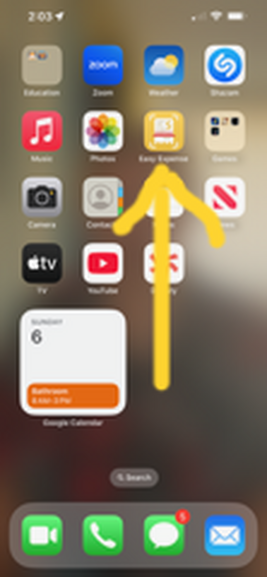
Start with the icon Easy Expense App
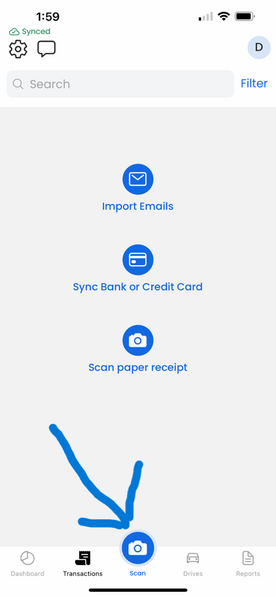
Click on the camera icon.
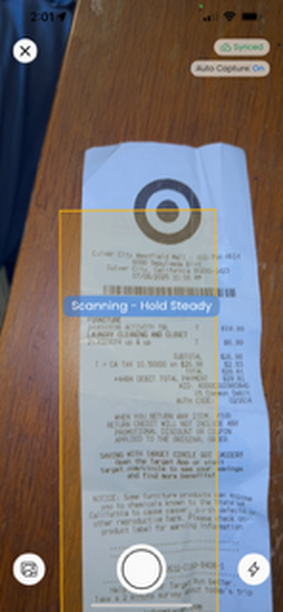
When you see the camera, try to center the receipt in the yellow rectangle.
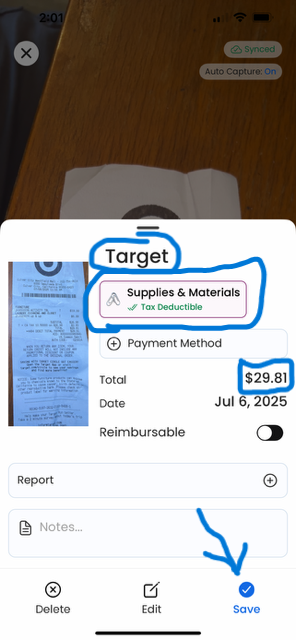
It will scan the receipt. Check that the store name and the amount are accurate. Set a category. Click save.